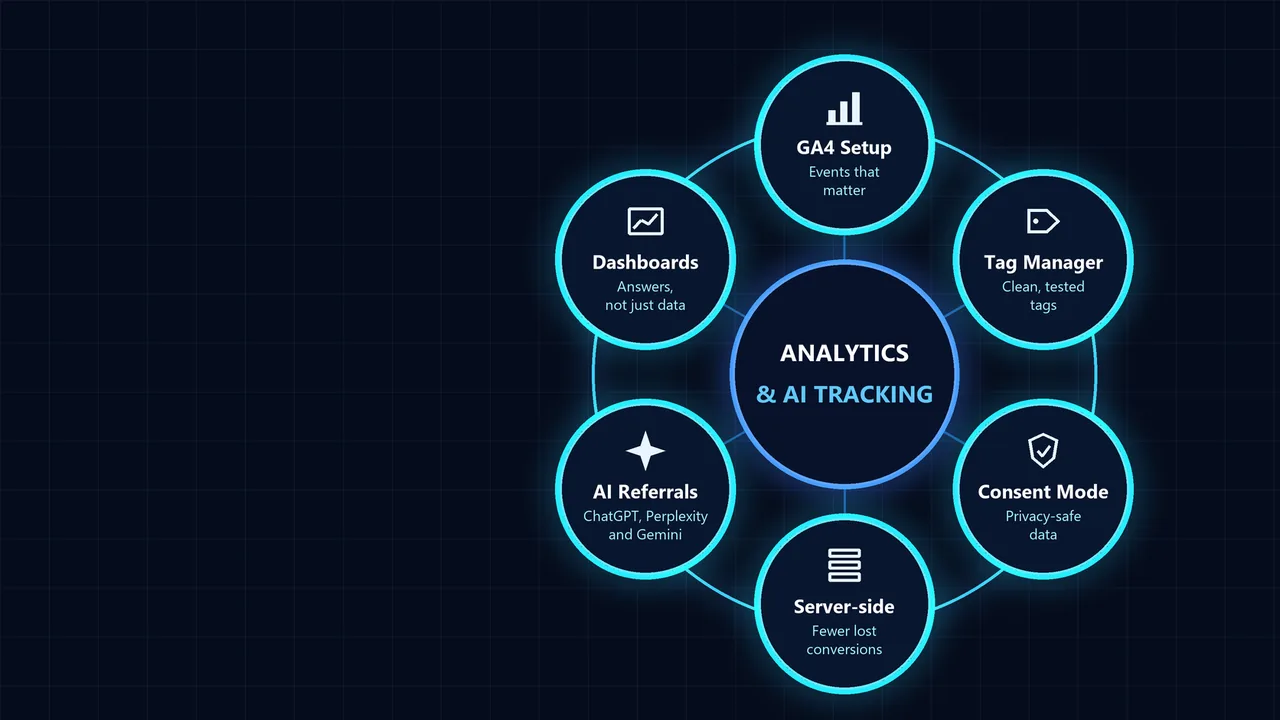
Analytics & AI Traffic Tracking at a glance
Our analytics tracking services cover GA4 setup, Google Tag Manager, conversion tracking for Google Ads and Meta, Consent Mode and server-side tracking. We also separate AI referral traffic from ChatGPT, Perplexity, Gemini and Copilot, so you can see what AI search is worth to your business.
Get a free audit →- GA4 setup & audit
- Google Tag Manager
- Conversion tracking
- Consent Mode v2
- AI traffic reporting
- Looker Studio dashboards
Track the actions that make money. Then report them clearly.
Analytics is only useful if it answers business questions: which channels bring customers, what a lead costs and where people drop out. Default installs rarely do that.
We define the events that matter, implement them cleanly through Tag Manager, check the data against your CRM or shop, and build reports your team will actually read.
- Page views countedLeads, calls and sales tracked
- Hundreds of unused eventsA short list of key events
- Tags added ad hocOne tested Tag Manager container
- AI visits lumped into referralChatGPT, Perplexity and Gemini reported separately
- Consent ignoredConsent Mode v2 set up properly
- Numbers nobody trustsData checked against your CRM or shop
The common mistake: counting form submissions as conversions without checking them. Spam, duplicate and test submissions inflate results and train ad platforms on the wrong signals. We check tracked conversions against real leads before anyone optimises on them.
Five things every tracking project includes
Every analytics project we run covers all five: a measurement plan, a clean GA4 and Tag Manager setup, ad platform conversions, privacy compliance and reporting, including AI traffic.
 Decide what to measure
Measurement plan & audit
An audit of your current GA4, Tag Manager and ad tracking, and a measurement plan that lists the events and key events that matter.
We check what is tracked today, what is missing and what is double-counted, then agree a short list of events tied to business goals: leads, calls, bookings, purchases and key steps before them.
- Tracking audit
- Measurement plan
- Key event definitions
 Clean implementation
GA4 & Google Tag Manager
GA4 configured properly and every tag managed in one tested Google Tag Manager container.
We set up GA4 properties, data streams, events and key events, internal traffic filters and data retention, implement tags through Tag Manager with a data layer, and test everything in preview mode before publishing.
- GA4 property and events
- Tag Manager container and data layer
- QA in preview and DebugView
 Google Ads, Meta and more
Ad conversion tracking
Conversion tracking for Google Ads, Meta, LinkedIn and Microsoft Ads, including enhanced conversions and Conversions API.
Ad platforms optimise towards the conversions you send them. We set up Google Ads conversions and enhanced conversions, Meta Pixel and Conversions API, LinkedIn Insight Tag and Microsoft UET, with deduplication and offline conversion imports where needed.
- Google Ads and enhanced conversions
- Meta Pixel and Conversions API
- Offline conversion imports
 Privacy-safe data
Consent & server-side
Consent Mode v2 with a compliant cookie banner, and server-side tagging where it improves data quality.
Consent Mode lets Google tags adjust to each visitor’s choice and model some lost conversions. For larger accounts, server-side tagging sends data through your own endpoint, reducing loss from browser restrictions while keeping control of what is shared.
- Consent Mode v2 setup
- Cookie banner integration
- Server-side tagging (where useful)
 Reports people read
AI traffic & dashboards
Reporting on every channel, including AI referrals from ChatGPT, Perplexity, Gemini and Copilot, in clear Looker Studio dashboards.
AI assistant visits get their own channel in GA4, with sign-ups, leads and sales tied to them, and a Looker Studio dashboard updates daily with revenue and cost per lead for every source.
- AI assistants channel group
- Looker Studio dashboards
- Monthly insights summary
Our analytics process: four stages
Audit, plan, implement and test, then report and keep it accurate.
- Audit
Current GA4, Tag Manager and ad tracking reviewed against your CRM, shop and goals.
✓ A clear list of gaps and errors - Plan
Measurement plan agreed: events, key events, channels and the reports you need.
✓ One agreed definition of success - Implement & test
GA4, Tag Manager, ad conversions and Consent Mode built and tested before going live.
✓ Data you can trust - Report & maintain
Dashboards, AI traffic reporting and monthly checks so tracking keeps working as the site changes.
✓ Decisions based on real numbers
Tracking problems people search for
Good analytics answers three questions: where customers come from, what each one costs and where people drop out. Everything we set up is aimed at those answers.
How to track AI traffic in GA4
Visits from ChatGPT, Perplexity, Gemini, Copilot and Claude usually arrive as referral traffic, mixed in with everything else. To see them clearly, create a custom channel group called “AI assistants” and match the session source with a rule such as:
chatgpt\.com|chat\.openai\.com|perplexity\.ai|gemini\.google\.com|copilot\.microsoft\.com|claude\.ai
- In GA4, go to Admin → Data display → Channel groups and create a new group.
- Add an “AI assistants” channel above Referral, using the source rule above.
- Use the new channel group in Traffic acquisition reports and explorations.
- Track key events (leads, sales) for the AI channel, not just sessions.
One limitation: clicks from Google AI Overviews and AI Mode are counted as Google organic traffic, so they cannot be separated in GA4. For citations and mentions inside AI answers, see our AI visibility audit and the guide to AI search visibility tracking.
GA4 setup checklist
Universal Analytics stopped processing data in 2023, so every site now needs GA4. Google also renamed GA4 “conversions” to key events; conversions used for bidding are managed in Google Ads.
Google Tag Manager: setup and best practices
- Use one container per site, with clear naming for tags, triggers and variables.
- Push important data such as form type, value and product into a data layer rather than scraping the page.
- Test every change in preview mode and GA4 DebugView before publishing.
- Publish with version notes so changes can be rolled back.
- Limit publish permissions and review access regularly.
- Remove old tags that no longer serve a purpose; they slow pages down.
Google Tag Manager is free. It works on WordPress, Shopify and most other platforms, either through a plugin or by adding the container snippet to every page.
Client-side vs server-side tracking
Server-side tracking is not a way around consent: visitors’ choices still apply. It is most useful for businesses where ad platforms need accurate conversion data to bid well.
Conversion tracking across ad platforms
See how this feeds our Google Ads, Meta Ads and LinkedIn Ads management.
Analytics and tracking: quick answers
Does Google Tag Manager cost money?
No. Google Tag Manager is free. Server-side tagging needs hosting, which has a cost.
What is the difference between Google Tag Manager and GA4?
GA4 collects and reports data. Google Tag Manager is the tool that deploys GA4 and other tags on your site.
Can I see ChatGPT traffic in Google Analytics?
Yes, when ChatGPT passes a referrer. Visits appear with chatgpt.com as the source; a custom AI channel group makes them easy to report.
Why is my GA4 data different from Search Console?
They measure different things: Search Console counts clicks from Google search; GA4 counts sessions on your site, affected by consent and ad blockers.
How much does a GA4 setup cost?
It depends on the size of the site, number of ad platforms and whether you need ecommerce or server-side tracking. We quote after a free audit.
GA4, Tag Manager and AI tracking: common questions
Straight answers on GA4, Tag Manager, consent and tracking AI search traffic.
Further reading
Go deeper on analytics and AI search
Guides on measuring AI visibility, SEO KPIs and zero-click search.
 AI SEO
AI Search Visibility Tracking: How to Measure Your Brand in AI Search
Track AI search visibility with four metrics: brand mentions, cited pages, share of answers and accuracy. Build a prompt set and report it monthly.
Read the guide SEO
SEO KPIs: How to Measure SEO Performance in 2026
The SEO KPIs to track in 2026 and how to measure SEO performance: conversions, organic traffic, rankings, CTR and AI visibility, with a report template.
Read the guide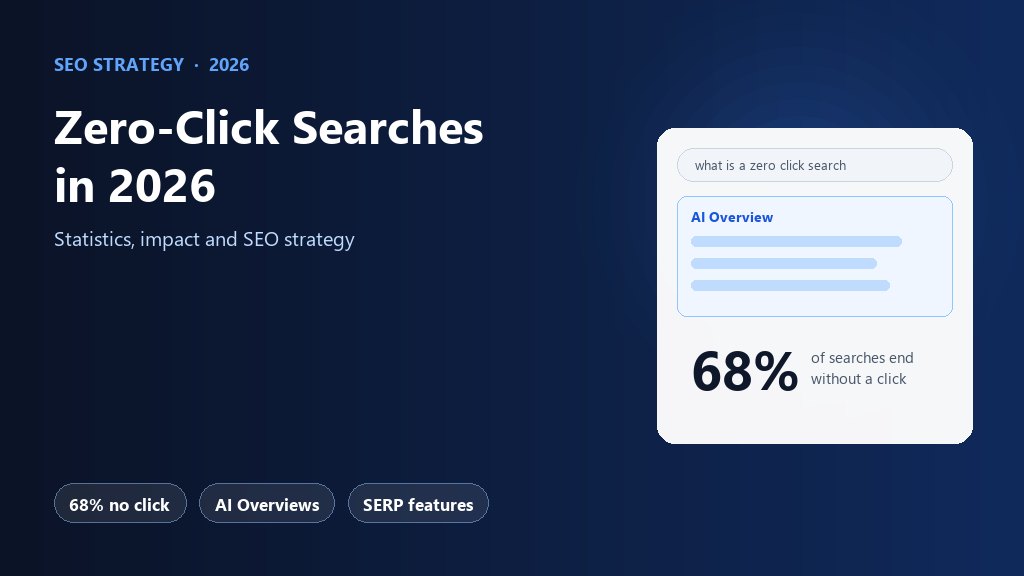 SEO Strategy
Zero-Click Searches in 2026: Statistics, Impact and SEO Strategy
68% of Google searches now end without a click. Zero-click search statistics for 2026, which queries are affected, 8 zero-click SEO tactics and the KPIs to track.
Read the guide